Spawn Groups
When a Rust server runs your map, it spawns many things by itself: trees, ores, plants, loot, animals, vehicles and the players. Each kind has rules that say which ground, biome and topology it spawns on. The Spawn Groups panel shows these groups, and paints on the terrain where each one can spawn on your map.
The groups are read from the Rust game files on your computer, so they are always the ones of your Rust version.
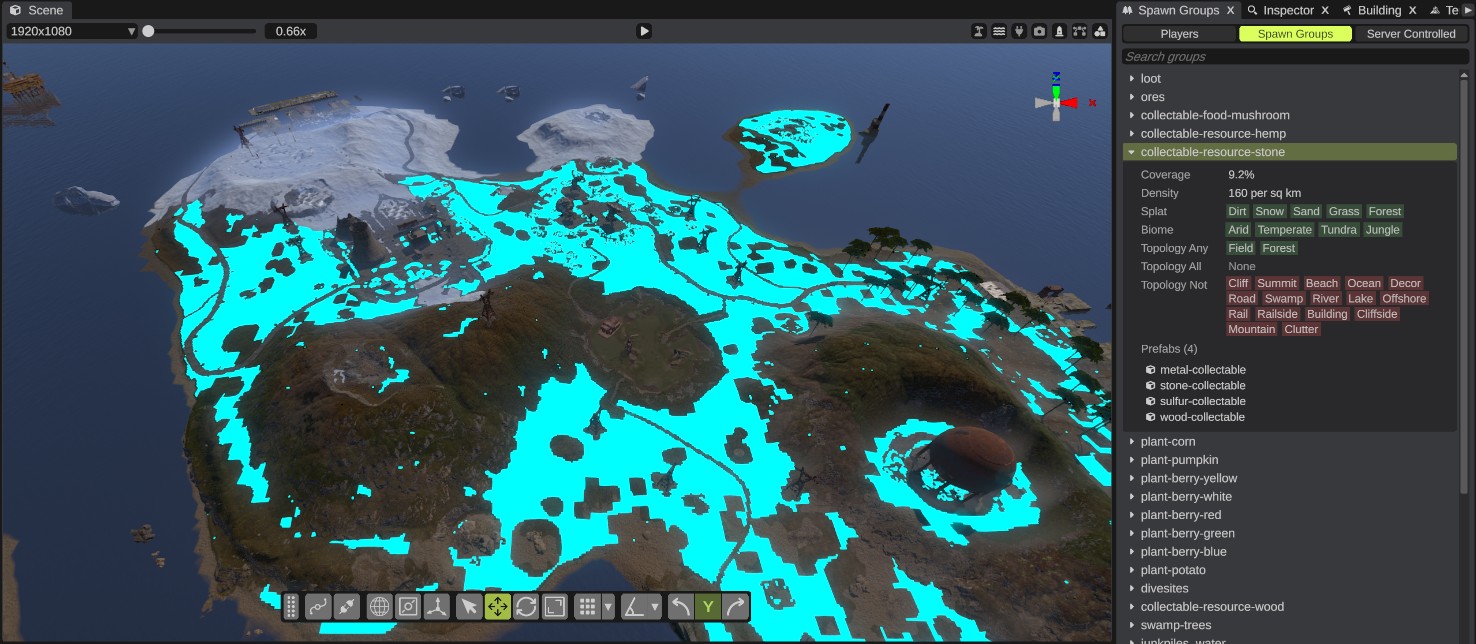
Open the panel
Click the Spawn Groups button in the toolbar on the left, or open .
See where a group spawns
- Pick a section at the top: Players, Spawn Groups or Server Controlled.
- Type in the search box to find a group by name, if you like.
- Click a group. The terrain shows in cyan where the group can spawn. The color is stronger where the game picks a place more often. The group's details open under its row.
- Click the group again to close it and hide the overlay.
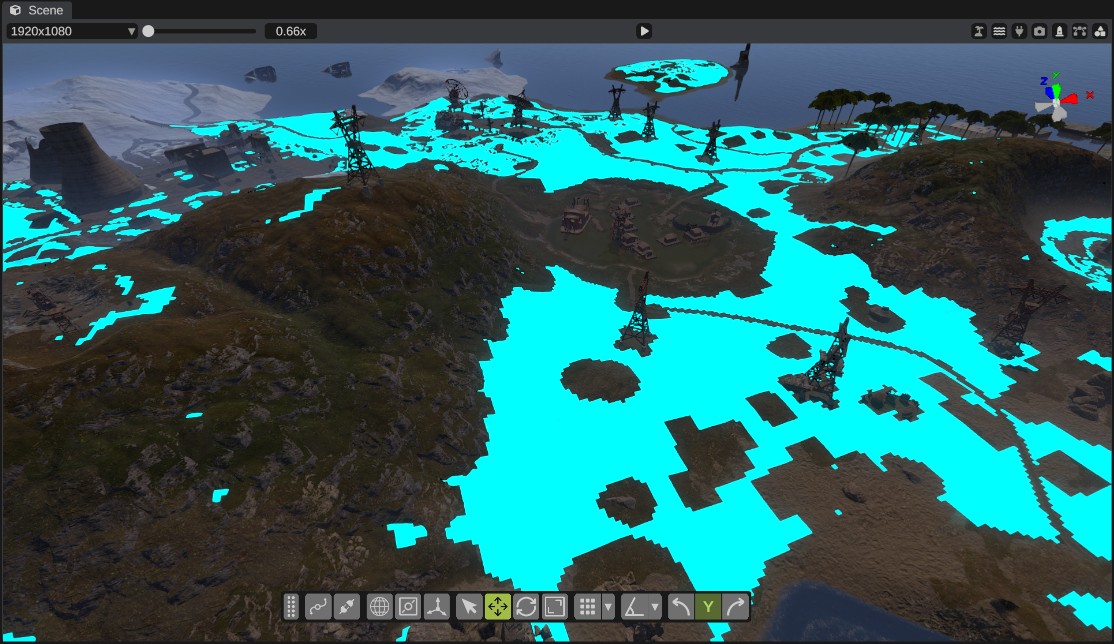
The overlay shows only while the panel is shown.
The sections
| Section | What it lists |
|---|---|
| Players | Player Spawns: where the game can spawn players. |
| Spawn Groups | The groups the server spawns over the map by itself. |
| Server Controlled | Groups whose amount is set by a server setting. |
Some groups do not spawn over an area. They spawn at spawn points or on rail sidings. Their rows say spawn points or rail sidings, and they have no overlay.
Live while you paint
The overlay follows the terrain. Paint splat, biome or topology with the paint tools, and the overlay and the coverage update as you paint. Use it to check that a new area will get trees, ores or animals, or to keep them off an area.
The details
| Detail | What it says |
|---|---|
| Coverage | How much of the map the group can spawn on. |
| Spawns | For groups without an area: where they spawn instead, such as at the map's spawn points or on rail sidings. |
| Folder | The game folder the group's prefabs come from. |
| Density | How many the game aims for, per square kilometer. |
| Amount | For server controlled groups: the server setting that sets how many spawn. |
| Cutoff | How well a spot must match the filters before the group can spawn there. |
| Radius | The game also checks the ground this far around the spot, in meters. |
| Splat | The ground textures the group spawns on. |
| Biome | The biomes the group spawns in. |
| Topology Any | The spot needs at least one of these topology flags. |
| Topology All | The spot needs all of these topology flags. |
| Topology Not | The spot must have none of these topology flags. |
The splat, biome and topology lists show as colored tags: green for what the spot can have, blue for what it must have, and red for what it must not have. Any means the list allows everything. None means the list is empty.
If a group's filter has an empty list, the panel shows "Not shown: the game's filter has an empty list" and no overlay.
Prefabs
Under the details, Prefabs lists every prefab the group spawns.
- Point at a prefab to see its full path.
- Click a prefab to show it in the Content Browser.
- Right-click a prefab for Show in Content Browser and Copy Path.
Tips
- Spawn groups are the server's own spawns over the whole map. Monuments have their own spawners for loot and NPCs. See Spawn Group.
- To change where a group spawns, change the map's ground textures, biomes or topology. RustEdit does not change the game's spawn rules.